My Blog SEO Checklist, From Brief to Tracking
The checklist I've used to take blog posts from keyword research to a live, indexed, measured page, including the indexing and tracking steps most checklists skip.
Oct 18, 2026 · SEO, content strategy, checklist
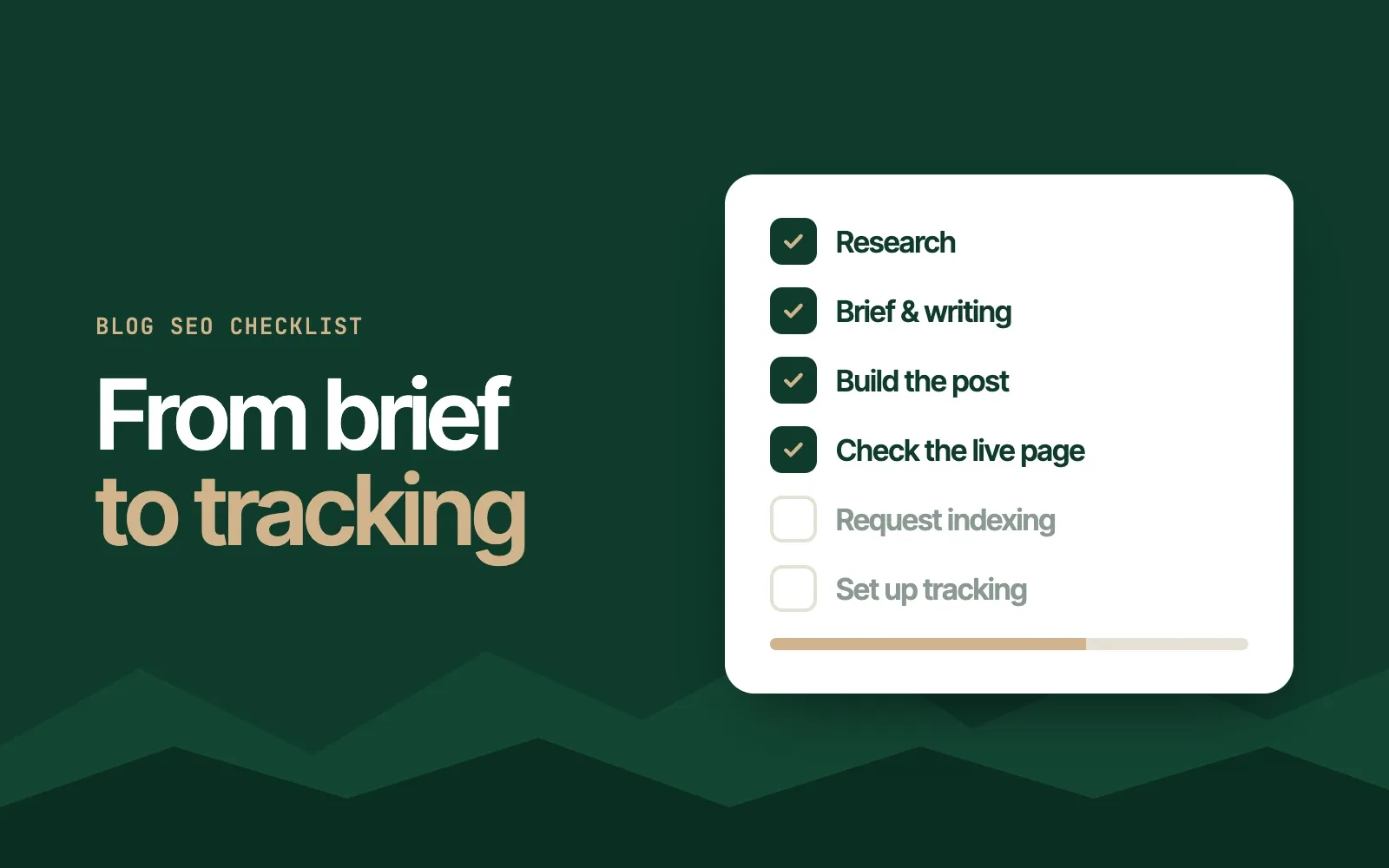
Most blog SEO checklists stop at “hit publish.” The ones I’ve used for university blogs keep going: check the live page, get it indexed, and set up tracking before you need it. That last stretch is what lets you learn from every post instead of guessing.
This is the general version of the checklist I built at Furman University, where about 35 posts grew into a blog drawing 68,822 visits a month within a year (the full story). It’s written for a team: one person owns the SEO, writers draft, and editors and subject experts review. If you’re doing it all yourself, it still works. You’ll just be every role.
Research
- Keyword research. Find a topic close to what you offer and a keyword you can realistically win: real search volume, low enough difficulty, and high traffic potential.
- SERP analysis. Look at what’s ranking now and what format it is. A guide won’t beat a forum thread for a forum-style query.
- Competitor content analysis. Read the top three pages and export the keywords each one ranks for.
I go deep on these three steps, with a real example and an AI prompt for the outline, in How to Write Content That Ranks.
Brief and writing
- Write the outline and brief. Primary and secondary keywords, title tag and meta description, the outline, the page to beat, internal links, and notes for the writer.
- Send it to the writer.
- Run the draft through editorial review. An SEO pass for keywords and links, then an editor.
- Get subject-matter approval. For a university, someone from the relevant department checks accuracy. It’s slow, so plan for it (more on that below).
Building the post
- Put the target keyword in the H1. A short, descriptive title.
- Write a short, descriptive URL slug with the keyword. Keep it evergreen: no years, no dates.
- Never change the slug after publishing. Every existing link to the old URL breaks. If you must, redirect it.
- Use a real heading hierarchy. H2s for sections, H3s and below for subsections. It helps readers skim and helps search engines understand the structure.
- Add a table of contents with anchor links to each H2 on longer posts.
- Add a featured image with alt text that describes the image. Include the keyword only where it fits naturally.
- Add internal links to relevant pages on your site, and external links to credible sources.
A quick way to find internal link targets: search
site:yourdomain.com "your keyword"in Google. - Add a call to action that fits the reader, like a request-for-information form on a university post.
- Write a custom title tag and meta description with the keyword. The meta description is your first impression in search results, so write it to earn the click.
- Pick a category, then schedule or publish.
Checking the live page
- Check that the content displays properly on desktop and mobile.
- Click every anchor link in the table of contents to make sure it lands on the right section.
- Click every internal and external link to make sure it works.
Indexing
- Copy the published URL into Google Search Console’s URL Inspection tool.
- Select Request Indexing. It’s not a guarantee, but it gets a new post in front of Google faster than waiting for it to be discovered.
Tracking
Set this up the day the post goes live, so the data is there when you want it.
- Ahrefs: add the URL to a portfolio. On a team with several writers, I made one portfolio per writer to compare how each writer’s posts performed.
- Google Search Console: in Performance, add a Page filter for URLs containing
/blog/(or whatever your blog path is) to see clicks, impressions, and queries for the blog alone. - GA4: build a free-form report in Explore for how readers behave on blog pages: engagement, where they go next, and which posts lead to conversions.
The step that isn’t on the list: planning for review
At Furman, writing was rarely what slowed us down. Review was. Subject-matter experts are busy, and a post waiting on a reviewer doesn’t rank. What I’d do from day one:
- Agree on a review window with each department before assigning its topics.
- Batch reviews so each reviewer sees a few posts at once instead of one at a time.
- Track status in one shared sheet, from outline to live URL, so everyone can see what’s waiting on whom.
A checklist only helps if the whole team can follow it. Keep it short enough to use every time, and put the steps people forget, like indexing and tracking, on it in writing.